באיזו שפה תרצו לקרוא את הכללים?
This is a work of participatory art which we now invite you to participate in.
RULES:
The performance takes place in silence. You are not allowed to use the
chat, microphone, or any other form of communication until the end of the performance. Do not leave
the shared space until the end of the activity.
DESCRIPTION:
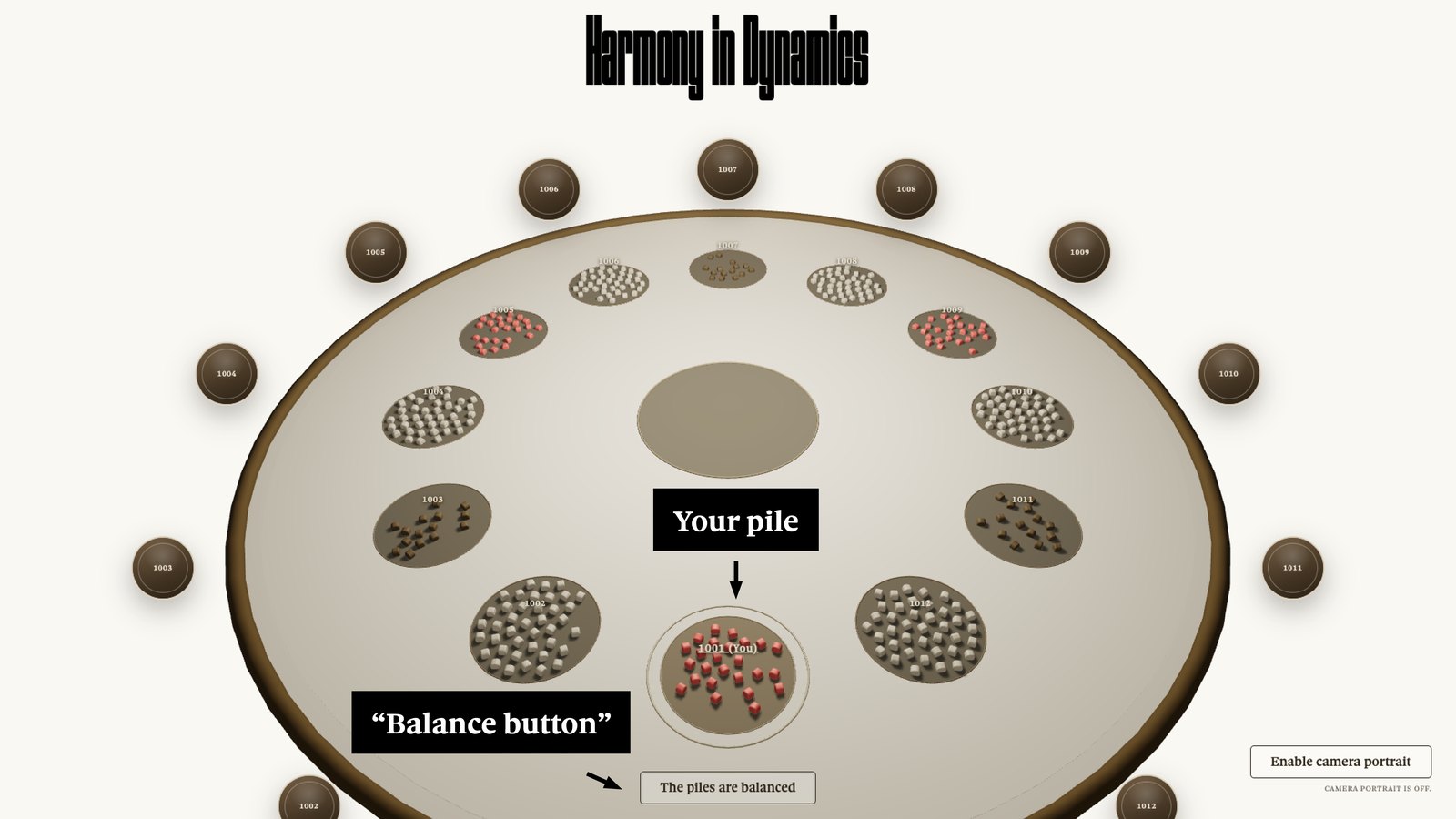
Each participant has been assigned a personal pile of virtual cubes,
visible directly in the circular area front of them. The piles are made of cubes in three different colors.
Each pile contains a certain number of cubes of the same color. The black piles are the smallest,
the beige piles are medium-sized, and the red piles are the largest.
ACTION:
The objective is to create piles that contain the same number of cubes
for each participant. You may drag and drop cubes into other participants' areas. You may mix
colors.
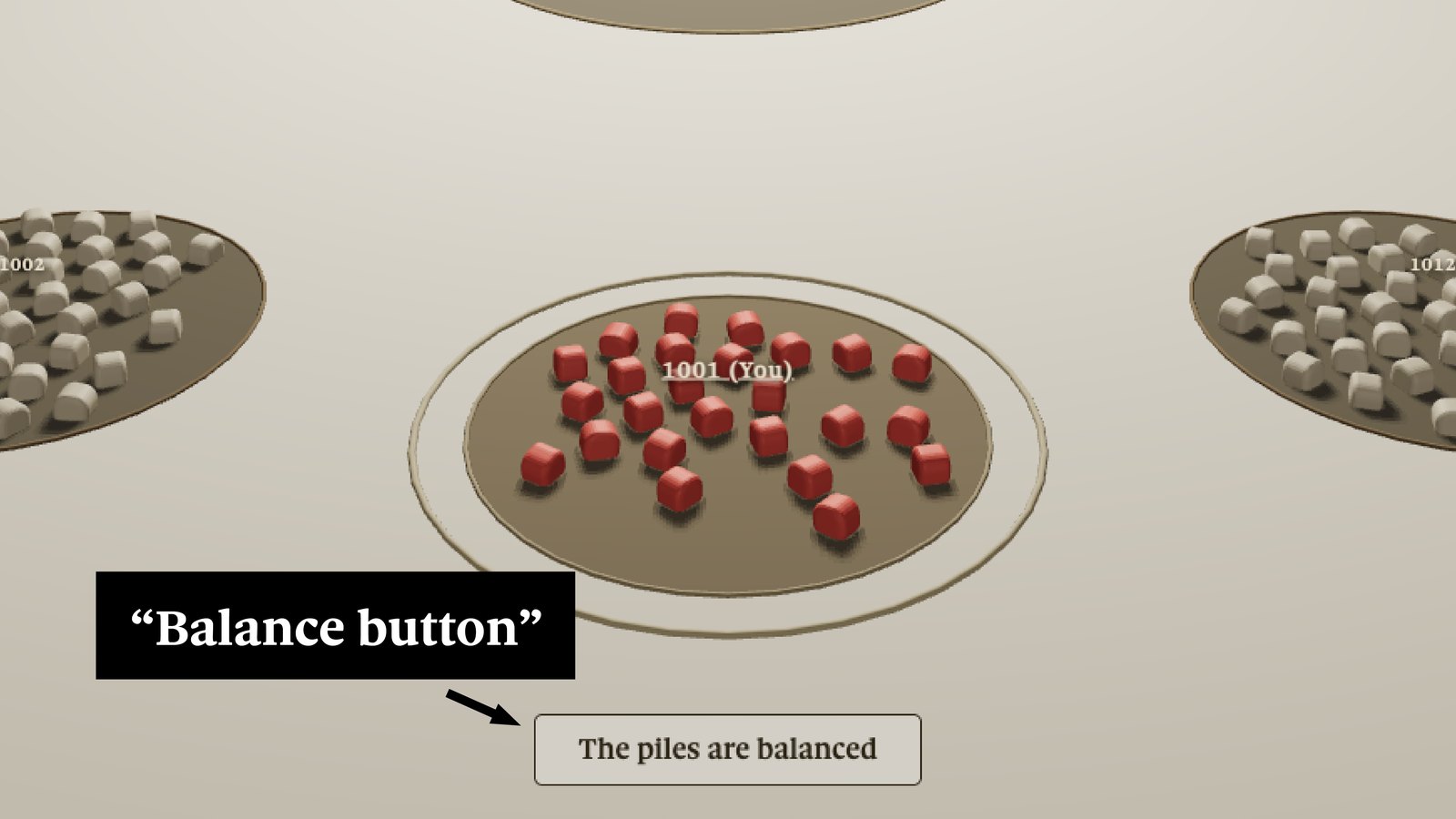
This step ends when one of the participants estimates that all the piles are of equal size. At that moment, that participant presses the "piles are balanced" button and drags their own pile into the center of the shared space. Cubes moved to the center are out of play.
EVOLUTION:
The participant who moved their pile to the center no longer has any
cubes. Equilibrium is then sought again, by redistributing the remaining cubes across all areas,
until the 12 participants once again have 12 balanced piles. Once again, a participant moves their
pile to the center.
This process is repeated until all the piles are exhausted.
SECOND PART:
When all the cubes are in the center, each participant must return
to their starting point: their original pile of cubes (same color and same size), which remains
visible at the edge of their area as a reference.